
Is Your Website Mobile-Ready for Holiday Shoppers? A 10-Point Test
Is your mobile-friendly website for small business ready for the holidays? Run this 10-point phone test with clear pass/fail lines and simple fixes.
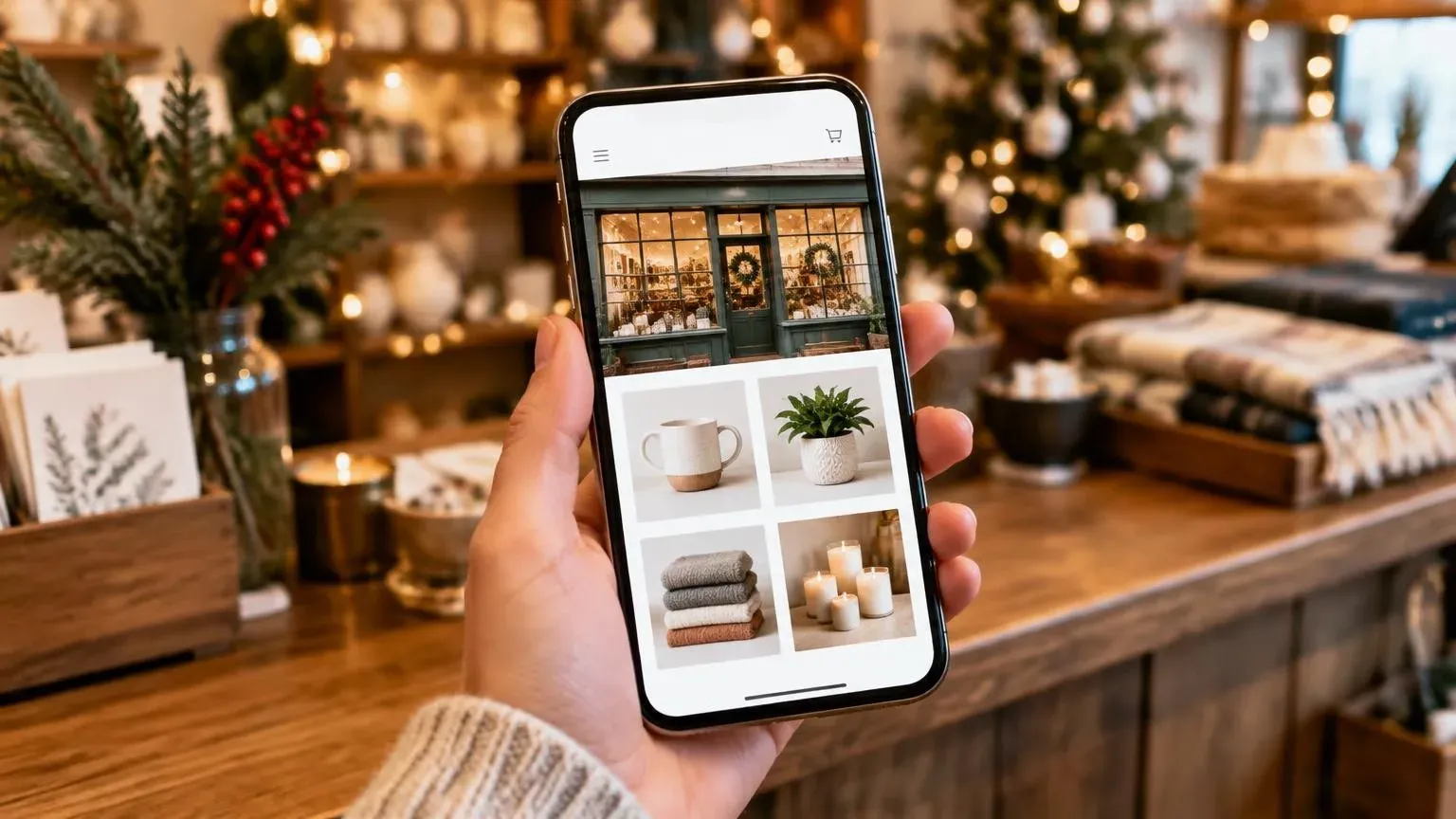
A mobile-friendly website for small business is no longer a nice extra at the holidays. It is the front door. Adobe forecasts that about 57% of online holiday sales this season will come from phones, and Bain’s survey, as summarized by Workstand, suggests many shoppers start on a brand’s website even when they end up buying in a store. Those are forecasts for online retail, not guarantees for your shop or service business, but the direction is clear: people will meet your business on a small screen first.
Here is the test we run with clients. Use your own phone, switch off Wi-Fi so you are on cellular data, and open your homepage like a stranger would.
Part 1: Speed and stability
1. Load speed
Pass: the main image or headline appears in about 2.5 seconds or less. Google calls that range “good” for Largest Contentful Paint. Fail: you are staring at a blank or half-built page for 4 seconds or more.
Fix: compress your big hero image, and don’t use a huge photo or video at the top of the page. Then check your URL in PageSpeed Insights.
2. Responsiveness
Pass: when you tap a menu or button, something happens right away. Google’s good threshold for Interaction to Next Paint is 200 milliseconds or less. Fail: you tap and nothing happens, so you tap again.
Fix: remove plugins, chat widgets and tracking scripts you don’t truly use. Heavy scripts are a common cause of laggy taps.
3. Layout stability
Pass: the page holds still while loading. Fail: text jumps down as an image, banner or font loads, and you nearly hit the wrong button. Google’s good score for Cumulative Layout Shift is 0.1 or lower.
Fix: set fixed sizes for images and banners, and avoid pop-ups that push content around.
One caution: Google judges these three metrics with real-user data, not one test. Your phone check is a quick proxy. Search Console’s Core Web Vitals report and PageSpeed Insights show the field data, and a page is rated by its weakest metric.
Part 2: Fingers and thumbs
4. Tap-target size
Pass: every button and link is easy to hit with a thumb, with breathing room between them. Google’s web.dev guidance recommends about 48 pixels. Fail: you mis-tap, or targets are near 24 pixels, which is only the WCAG 2.2 AA minimum, not a goal.
Fix: add padding to buttons and menu links. A 24-pixel icon can reach 48 pixels with padding around it.
5. Click-to-call
Pass: tapping your phone number opens the dialer. Fail: the number is plain text or an image.
Fix: link the number with a tel: link, for example tel:+15555550123. Most website builders do this automatically if you format the number as a phone link. Put a call button at the top of the page for service businesses.
6. Text readability
Pass: you can read everything without pinching or zooming, and nothing scrolls sideways. Fail: tiny text or content cut off at the edge.
Fix: use a readable body size, confirm your site has a proper mobile viewport setting, and choose a responsive theme if yours doesn’t adapt.
Part 3: Hours and trust
7. Readable hours on your site
Pass: within one tap or one short scroll from the homepage, you can see today’s hours as text. Fail: hours live in an image, a PDF or a buried page.
Fix: put hours in the footer and on your contact page as plain text, with a visible holiday notice when they change.
8. Hours matching Google Business Profile
Pass: your website and your Google profile say the same thing. Fail: one says open, the other says closed.
Fix: in your profile, use Special hours for holiday dates and leave your regular weekly hours alone. Special hours apply only to the dates you set. Agencies commonly suggest setting them two to three weeks ahead, which is good practice rather than an official rule. Then update the website the same day, so it’s one task.

Part 4: The path to a sale or a call
9. Checkout or contact-form flow
Pass: you can complete a purchase or send a message with one thumb, in a couple of minutes, with the right keyboard appearing for email and phone fields. Fail: long forms, forced account creation, or fields hidden behind the keyboard.
Fix: cut every field you don’t need, allow guest checkout, and enable autofill. For service businesses, a form with name, phone and one message box is often enough.
10. Your holiday offer, up front
Pass: a first-time visitor sees your holiday message, such as pickup, gift cards, shipping cutoffs or special hours, without scrolling far. Fail: you have to hunt for it.
Fix: add a slim banner or a short homepage section with one clear button. Remove it after the season.
How to score your mobile-friendly website
Count your passes. Nine or ten means you are in good shape. Six to eight means fix the failures this week, starting with calls, hours and forms, because they affect revenue fastest. Five or fewer means your site is likely costing you customers, and it’s worth a proper review.
Don’t wait for the holiday week. Adobe expects shoppers to spend heavily in October already, so shoppers start early. Aim to finish your fixes before November.
Conclusion
A mobile-friendly website for small business comes down to small, concrete details: a fast first screen, buttons a thumb can hit, a number that dials, hours that agree everywhere, and a short path to buying or contacting you. Run the ten checks today, fix the failures in order of impact, and retest on cellular data. If you want a second pair of eyes, Jonavisualix can walk through your site on a phone with you and tell you exactly what to fix first.
Frequently asked questions
How do I test my website on my phone?
Turn off Wi-Fi, open your site on cellular data, and go through the ten checks as a new visitor would. Then run your address in PageSpeed Insights for speed data.
How do I make my phone number tappable?
Wrap the number in a tel: link so tapping it opens the dialer. Most website builders offer a phone link or button option that does this for you.
Should I change my regular hours on Google for the holidays?
No. Use the Special hours feature for holiday dates and leave your regular weekly hours unchanged. Special hours apply only to the dates you set.
Does mobile-friendliness affect Google rankings?
Page experience signals such as Core Web Vitals are part of how Google evaluates pages, but content relevance still matters most. Treat speed and usability as a way to keep the visitors you already earn.