
Small business website checklist: 9 things that turn visits into calls
A practical checklist for small business owners: what your website needs so visitors understand what you do, trust you and contact you.
Most people who land on a small business website make a decision in seconds: stay or go back to Google. They are usually on a phone, often in a hurry, and they want three answers. What do you do? Do you serve my area? How do I reach you?
A good website answers those questions before the visitor has to look for them. This checklist is the one we use when we plan a site for a local business. You can use it to review your current website or to brief whoever builds your next one.
1. A first screen that explains what you do
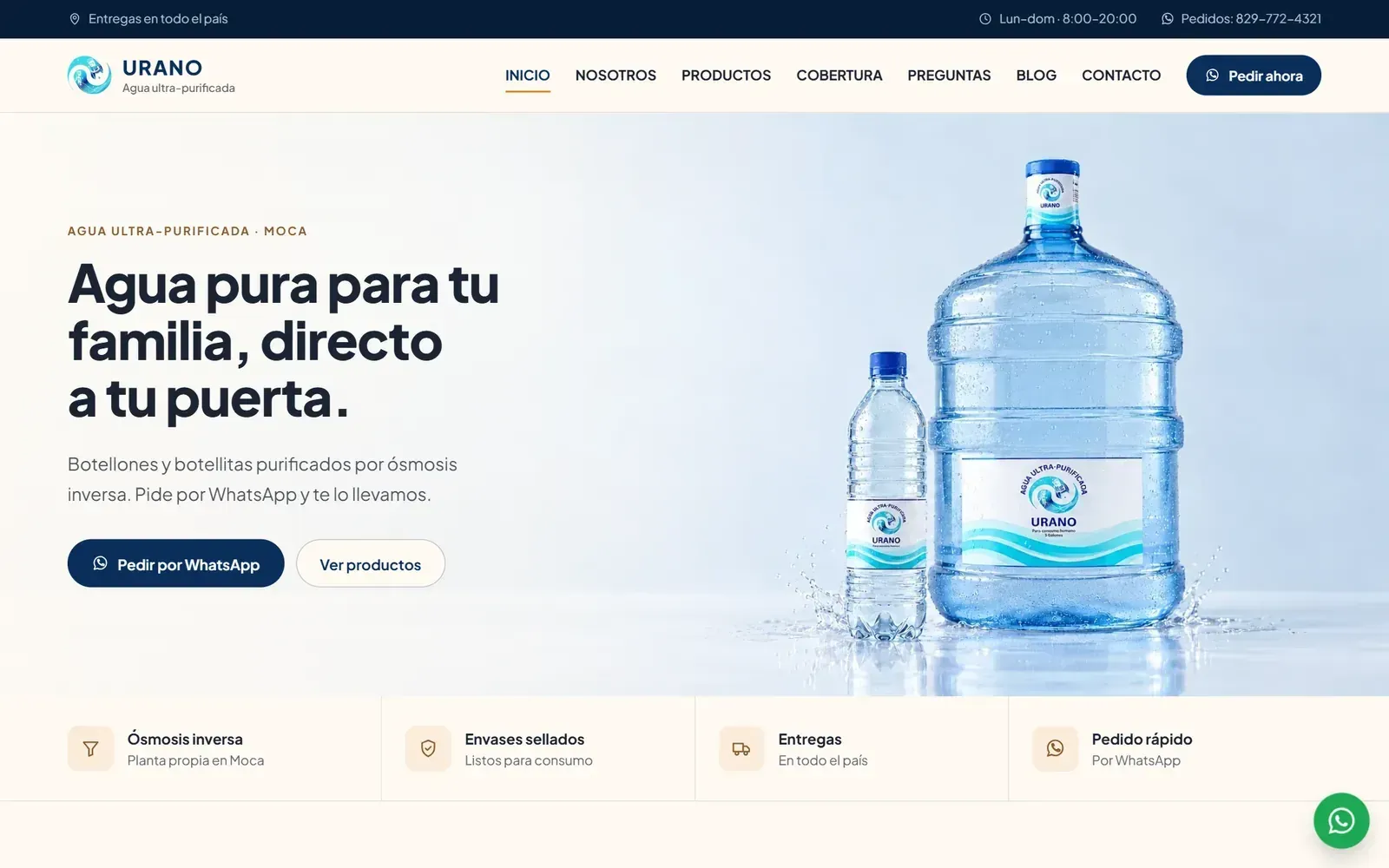
The top of your home page should say, in plain words, what you offer and where. “Mobile auto detailing in Pasadena, Texas” works better than “Excellence in every detail”. Add one clear button to contact you, visible without scrolling.
If a stranger cannot explain your business after five seconds on that screen, the headline needs work.
2. Contact options that work with one tap
Your phone number should be a link that starts a call. If your customers use WhatsApp or text messages, add those buttons too, with a short message already written so the customer only has to press send.
Keep forms short. Name, a way to reply and what they need is often enough. Every extra field is a reason to leave.
3. Built for the phone first
Check your site on your own phone, outdoors, with one hand. Text should be readable without zooming, buttons should be large enough to tap, and nothing should slide sideways. Most local searches happen on mobile, and Google evaluates the mobile version of your site.
4. Fast, even on a weak connection
A slow page loses people before they see anything. The usual causes are heavy images, too many plugins and scripts nobody remembers adding. Compress photos, serve modern formats such as WebP and remove what you do not use. You can measure your pages for free with PageSpeed Insights.
5. Your area, stated clearly
Local customers search with places in mind: a city, a neighborhood, “near me”. Name the areas you serve in your text, show your address if customers visit you, and keep your business name, address and phone number exactly the same on your website and on your Google Business Profile.
6. Proof that you are real
Real photos of your work, your team or your location build more trust than stock images. Add genuine reviews, before-and-after pictures, licenses or years in business when they apply. Never invent numbers or testimonials: customers notice, and it damages the trust you are trying to build.
7. Both languages, if your customers speak both
If part of your clientele prefers Spanish, a properly translated version of your site is not a luxury. It tells those customers they will be understood when they call. Each language should have its own pages, not an automatic translator widget, so search engines can show the right version to the right person.
8. One page per service
A single page that lists everything you do is hard to find in search and hard to read. Give each main service its own page with a clear title, a short explanation, what is included and a way to contact you. Those pages are also the ones that tend to appear when someone searches for that exact service.
9. Simple measurement
You do not need a complex dashboard. You need to know how many people visit, which pages they read and how many of them call, write or send the form. With that, you can tell whether a change helped or not. Respect privacy: use analytics without advertising features unless you really need them, and explain it in your privacy policy.
A quick self-check
Before you change anything, open your website on your phone and answer honestly:
- Can I tell what this business does and where, without scrolling?
- Can I call or message in one tap?
- Did the page load quickly?
- Would I trust this business with my money?
If any answer is no, start there. Small fixes on the first screen and the contact buttons usually matter more than a full redesign.
A website does not need more pages. It needs fewer doubts.
If you would like us to review your website against this checklist, or build one that follows it from the start, tell us about your project.